 ThermalNote
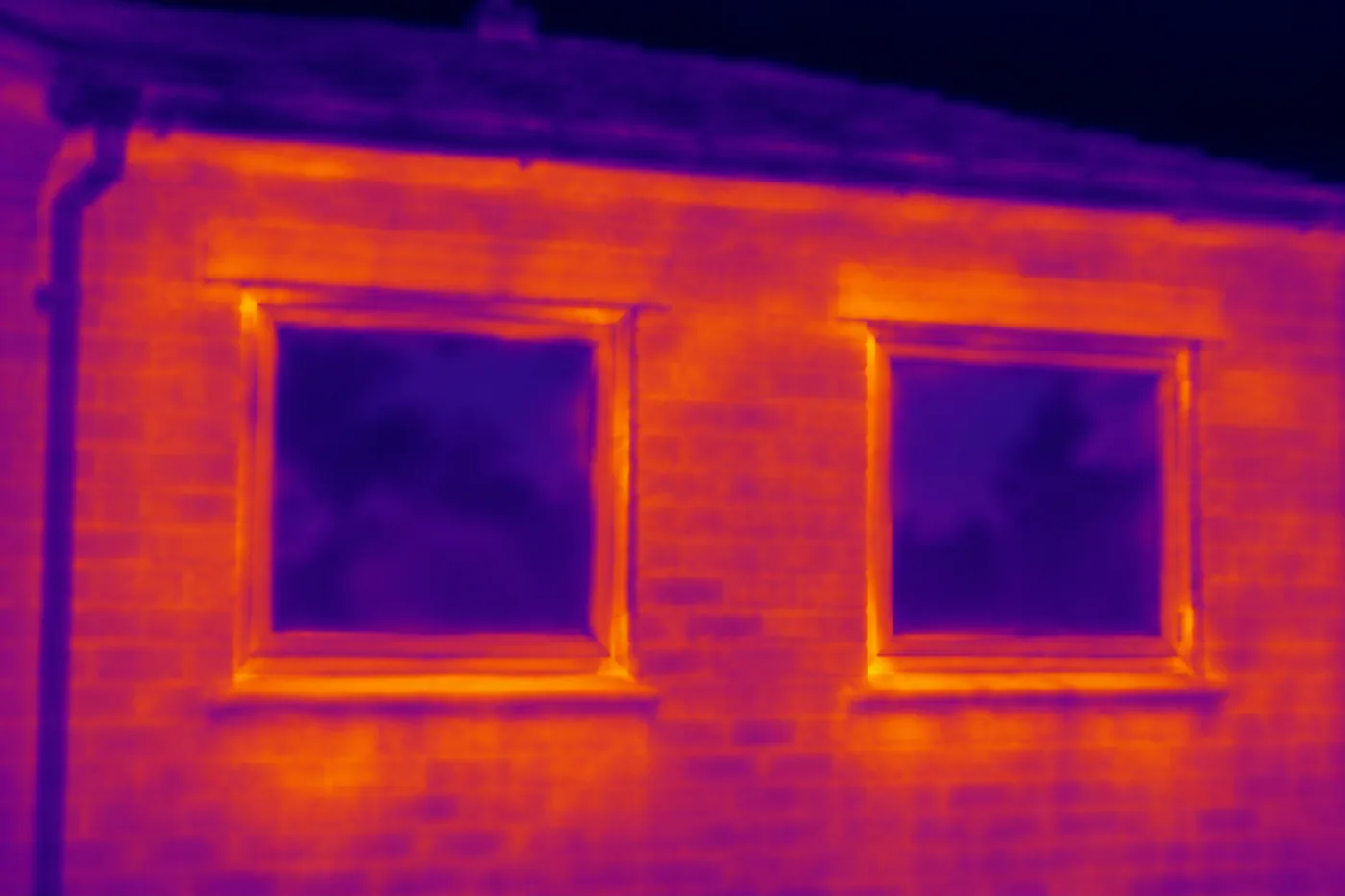
Measure a thermal image
Open a supported FLIR radiometric JPEG to read temperatures, change its palette and export the selected detector pixels.
Make sense of distance, surfaces and temperature readings.
Start with a measurement or take a reusable record away.
Open a supported FLIR radiometric JPEG to read temperatures, change its palette and export the selected detector pixels.
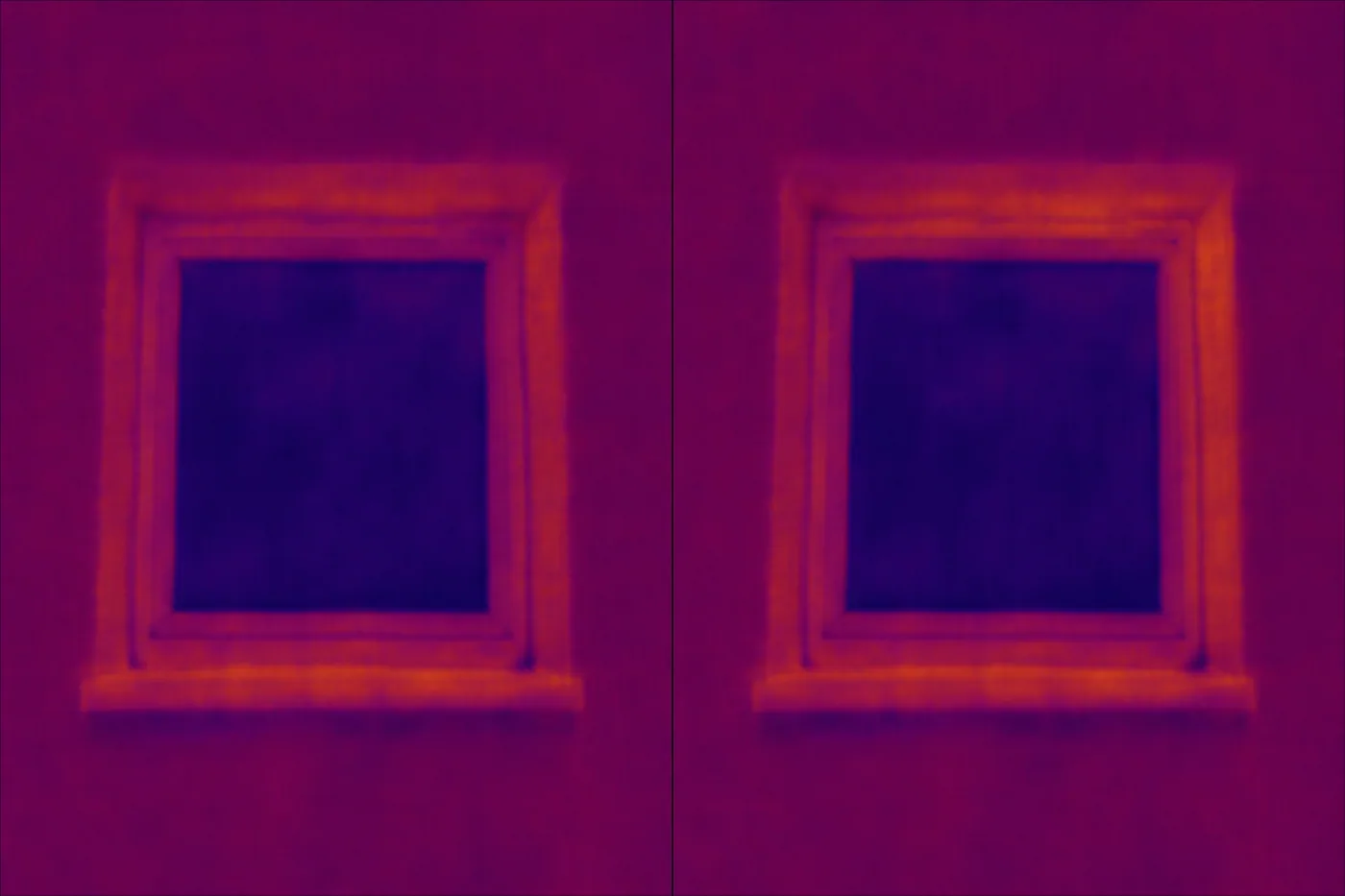
Open both images side by side. On supported radiometric pairs, share a temperature scale, measure the same area, and export the comparison.
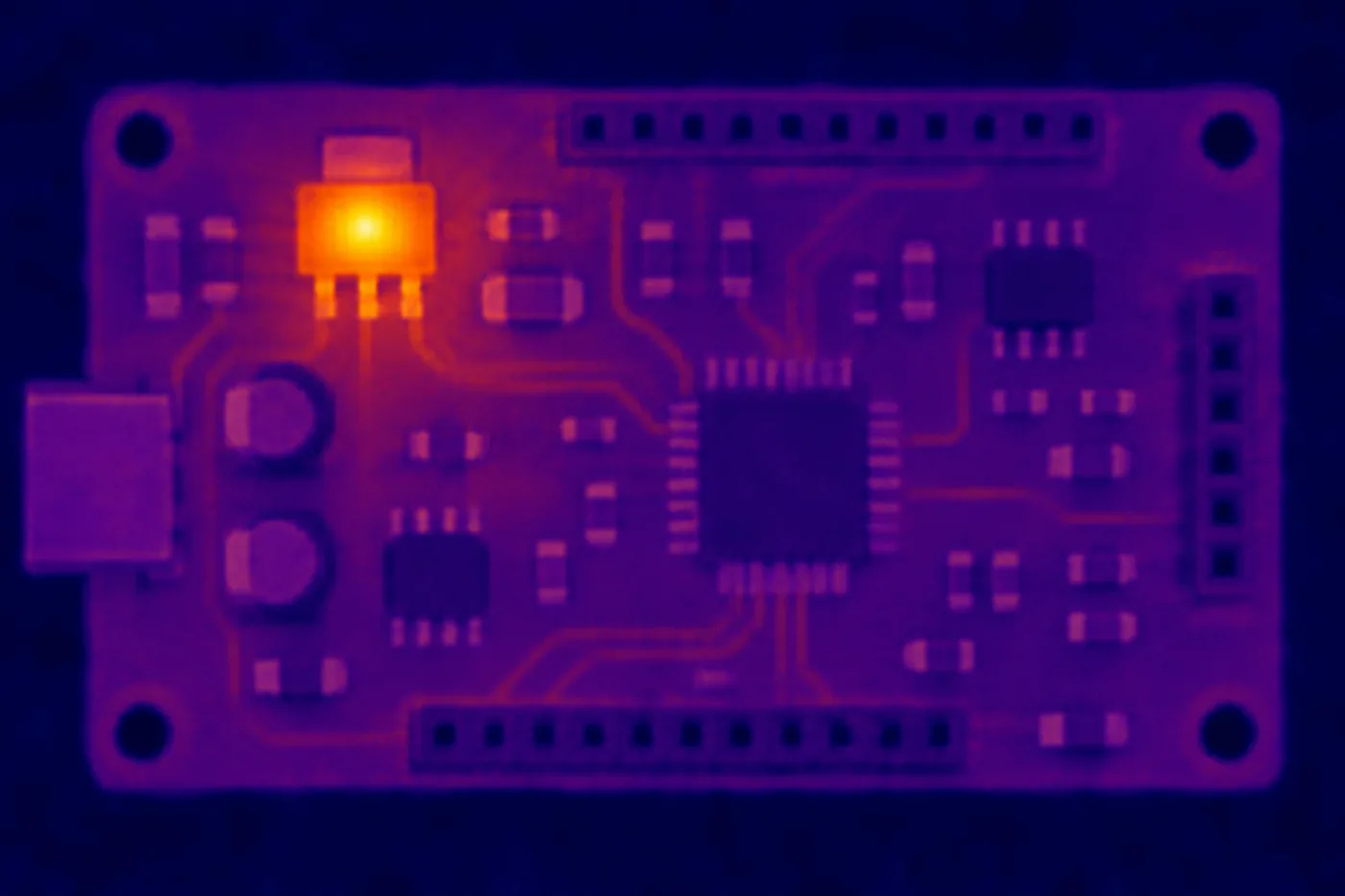
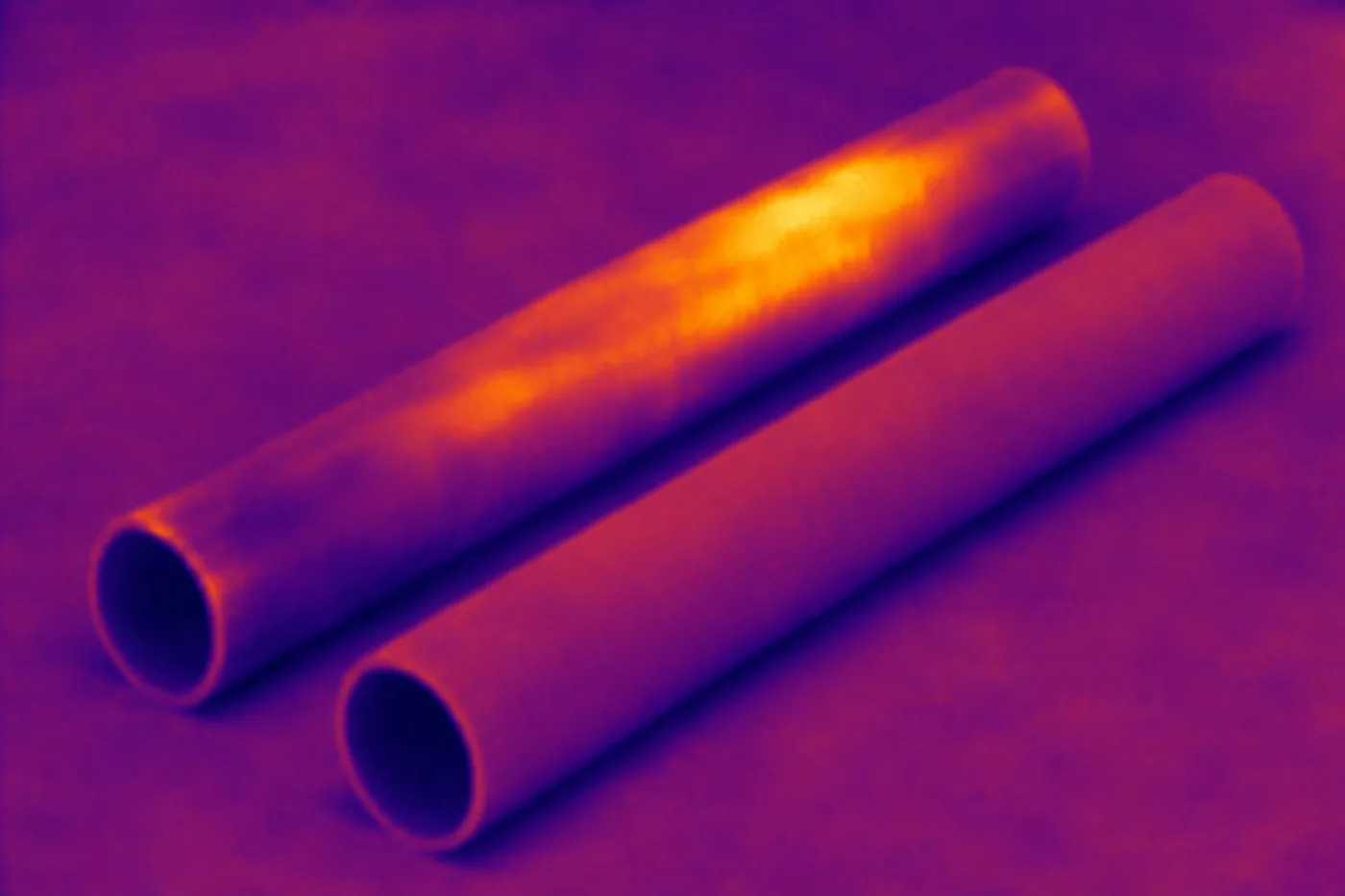
Compare native detector coverage on the same target at your real working distance. Use presets for a PCB, window or pipe.
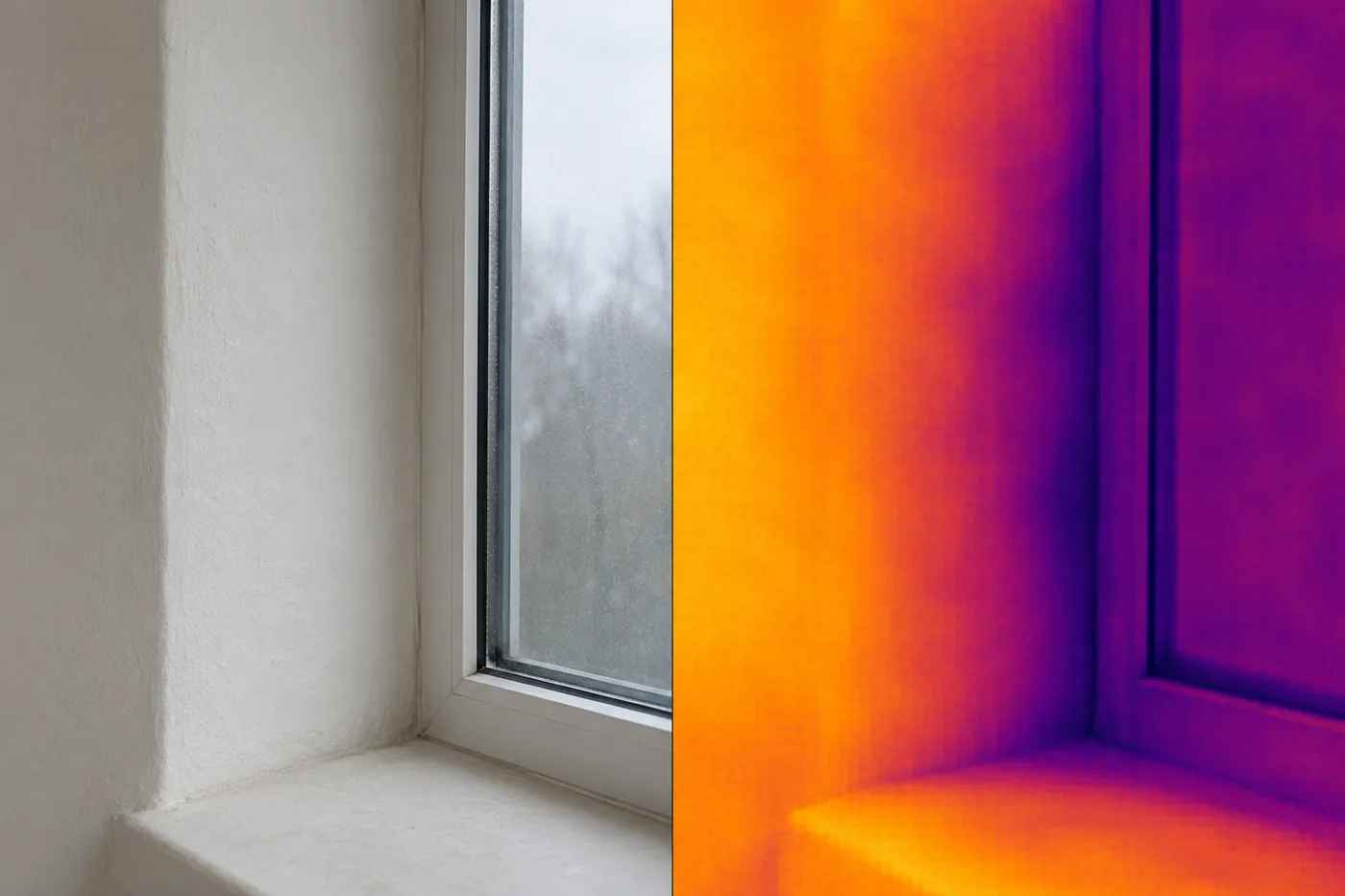
Use room temperature and humidity to estimate dew point. Add a verified surface reading for a point-in-time comparison.
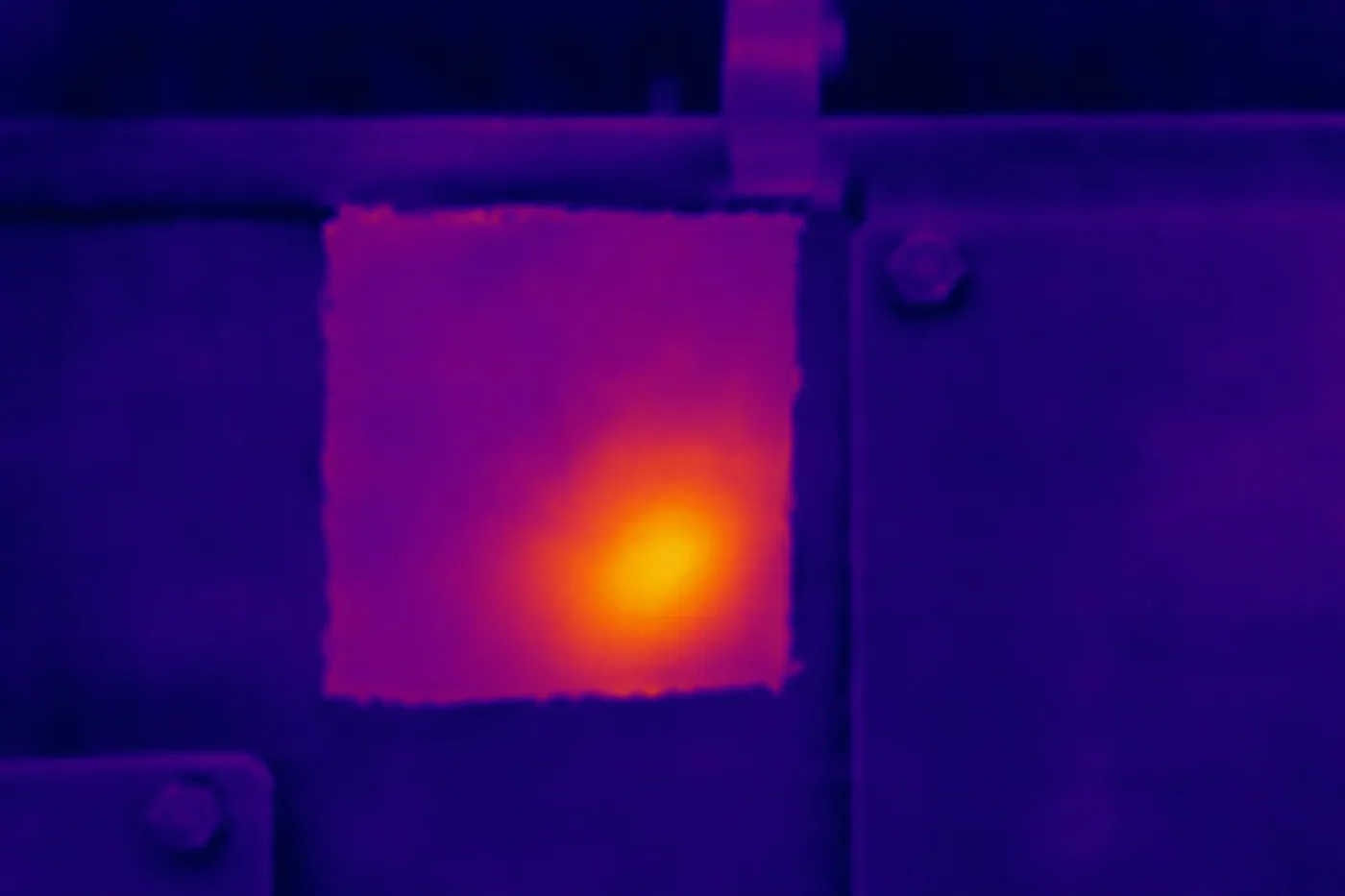
Enter the D:S ratio and your measuring distance. Compare the estimated spot with the width of the target.
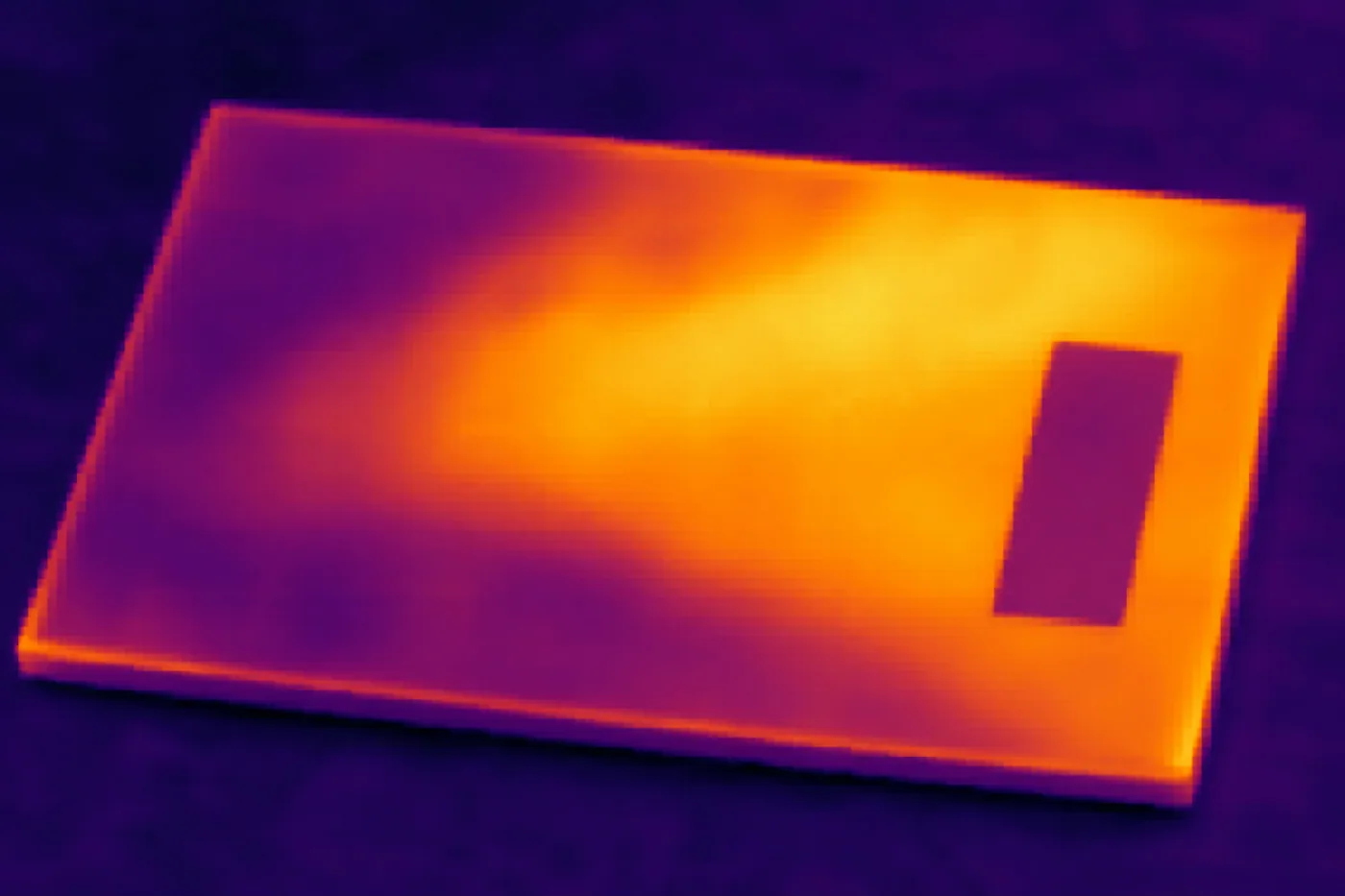
Work out if the surface, reflection or spot size is likely to affect your reading, and choose a repeat method.
Measurement
The camera receives radiation from the surface and its surroundings. A reflective target can make those contributions hard to separate.
Measurement
A bigger exported picture cannot recover a small target that the detector never resolved.
Measurement
For a before-and-after comparison, use the same camera, lens, position, scale and surface settings. Keep one reference point untouched. Record the indoor and outdoor conditions on both days so you can see what changed with the job.
Measurement
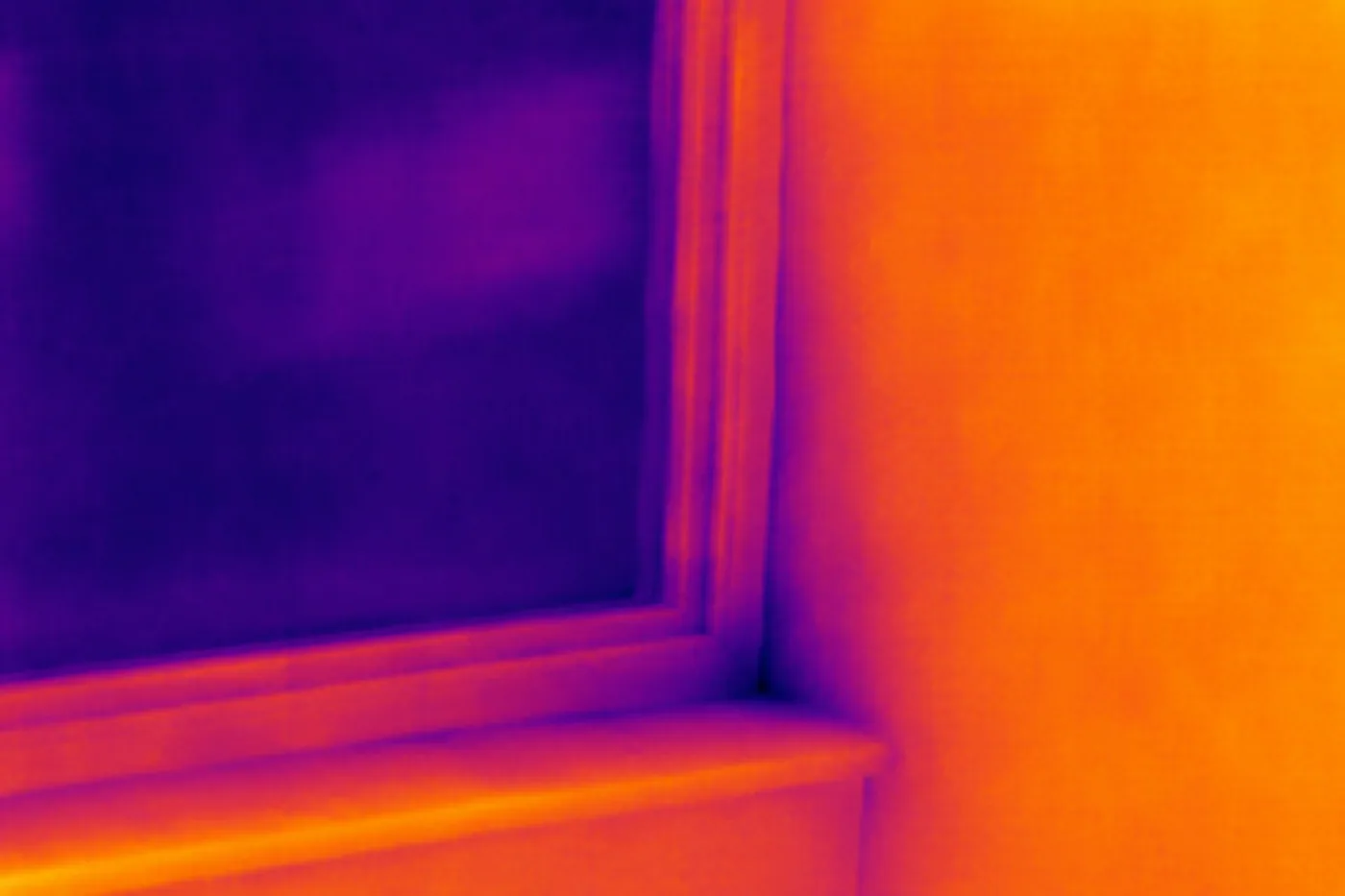
Measure the room air temperature and relative humidity at the same time. Compare the calculated dew point with a reliable temperature taken at the surface you are checking. The difference applies to that place and time.
No guides match. Change the topic or search.