 ThermalNote
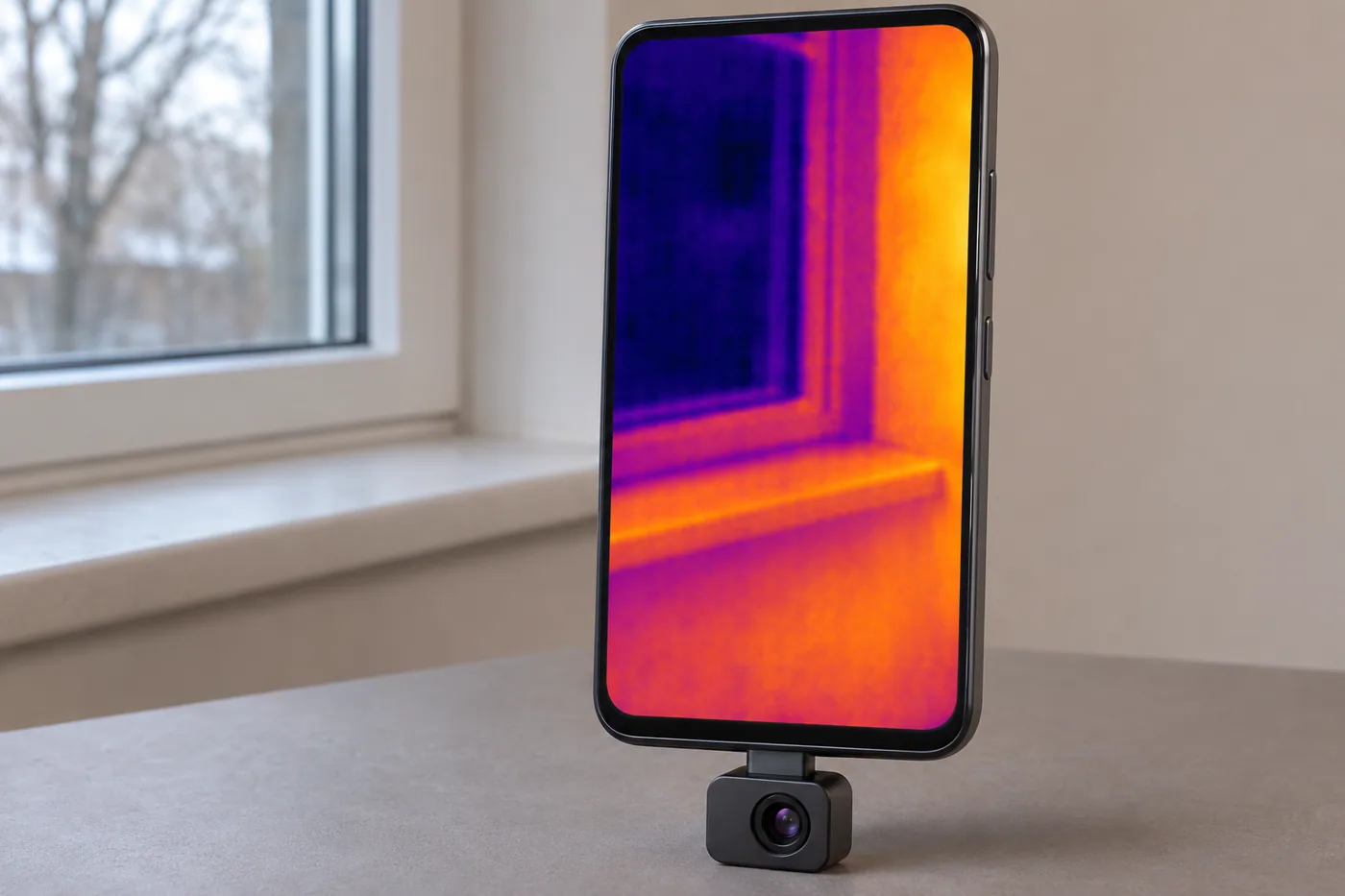
A light on the camera can show it has power. Verify that the exact camera edition is supported by your iPhone, operating system and app, then check the physical fit and data path.
In this article
Identify the version on the hardware
Read the model and suffix on the camera or its original box. Record the phone model, iOS version and installed app name. Find the device requirements for that edition from the manufacturer. Some products have separately sold Android and iPhone versions. A different generation of the same retail name may also use different software. Keep a screenshot of the manual or requirements page and its date.
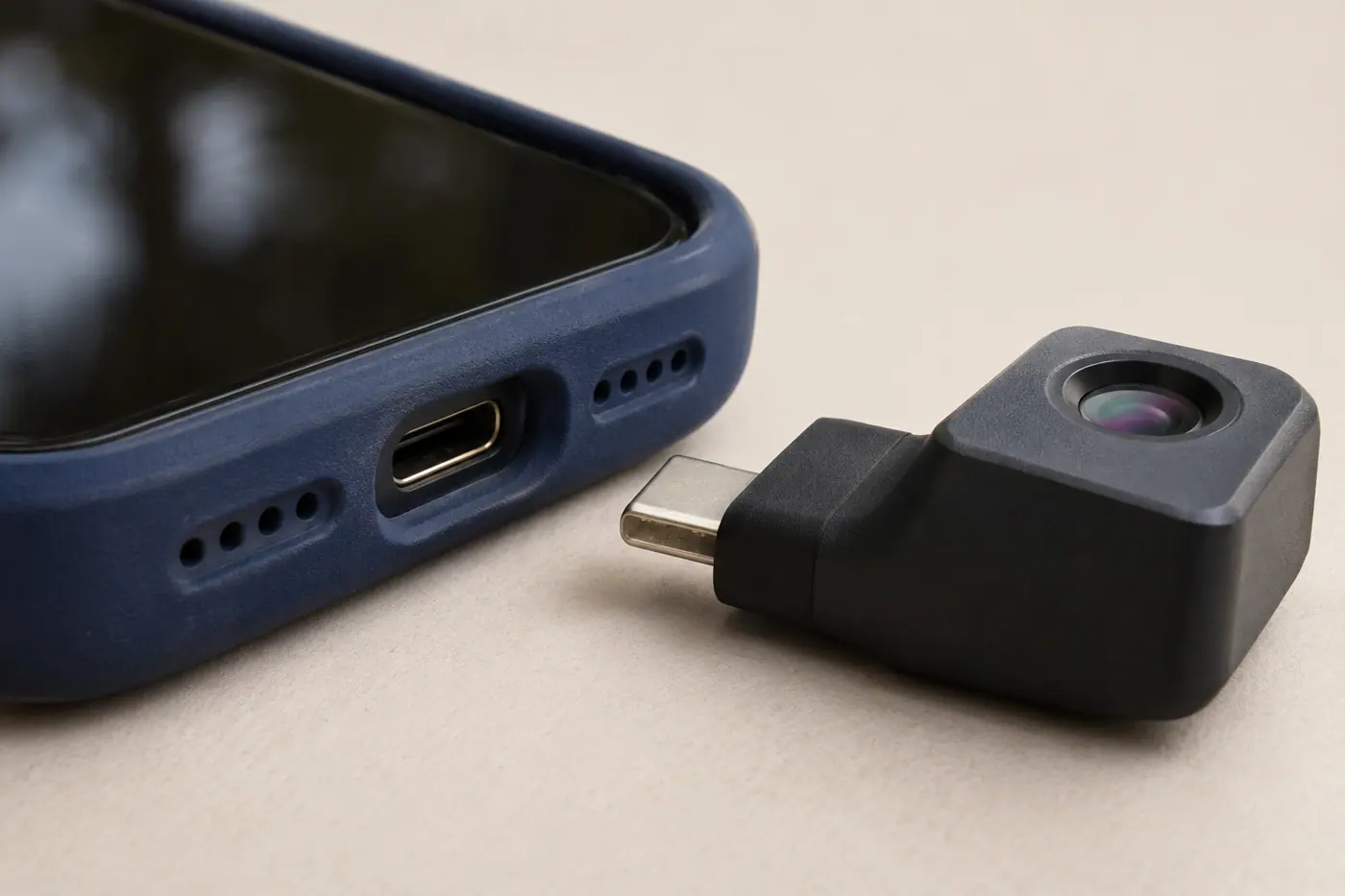
Check the connector and app in stages
Support the phone on a stable surface and check whether the camera fully seats. Try without a bulky protective case if that changes the clearance. Use the manufacturer’s supported connection path and the listed app. Where a third-party adapter is part of the plan, look for a verified combination of adapter, camera, phone and OS. A cable that passes power may serve a different purpose from a supported data connection.
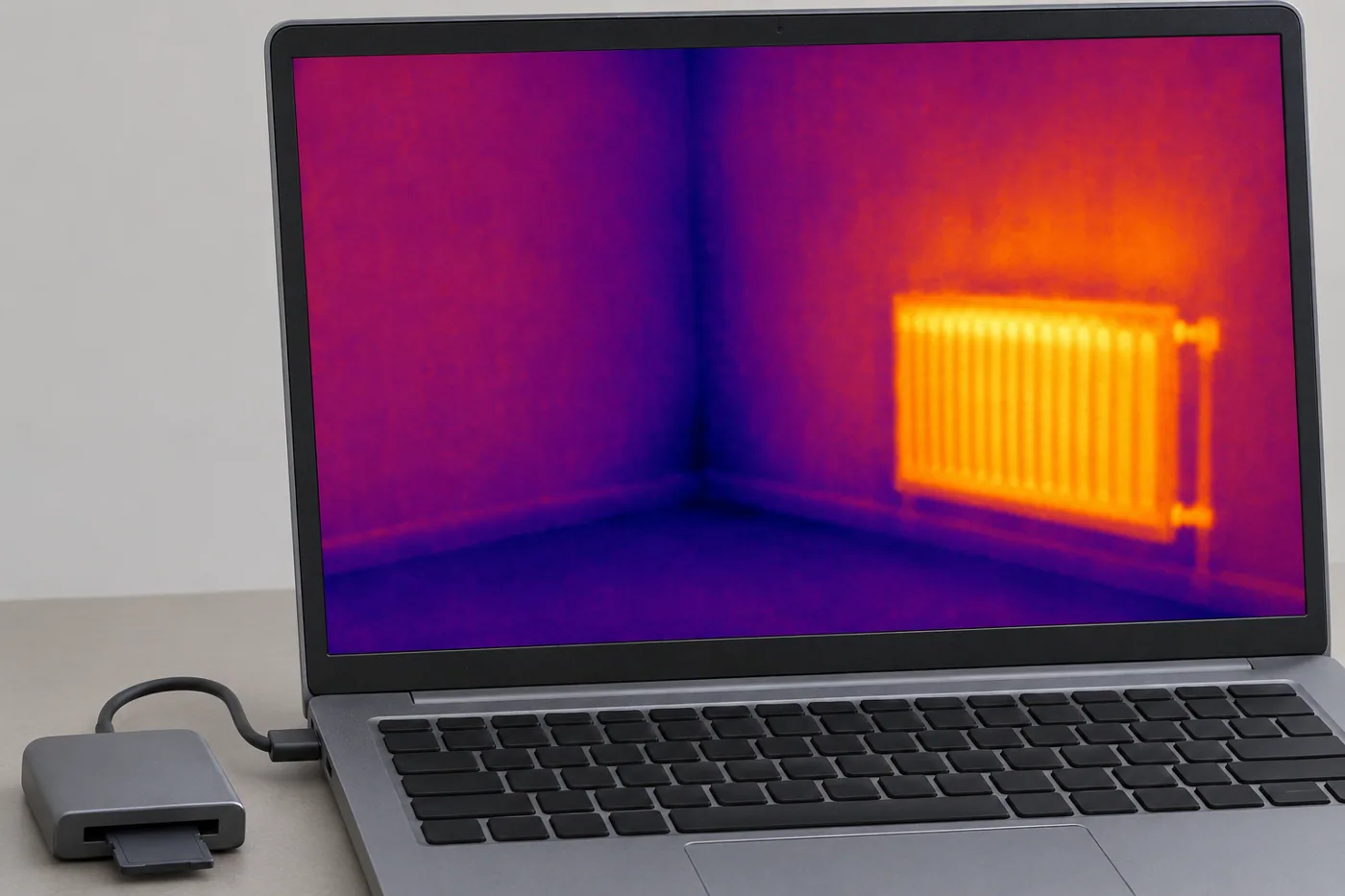
Verify the purchase with an original test shot
If the app detects the camera, take a test image. Locate the export command and open the saved file on the device that needs to receive it. Document whether you can view the image, edit temperature markers or export the data you need. If the app still fails to see the camera, record the exact combination and steps and ask the retailer or manufacturer for a supported path while your return option is available.
Questions about phone detection
Why is USB-C in both listings if they differ?
USB-C describes the connector. The camera protocol, app and supported hardware still depend on the specific edition.
Can a Lightning adapter let me use my older imager?
Check the camera maker’s current support for your camera, adapter and phone. A community success report is useful when it names the exact matching combination and software version.
What do I send to support?
Send the model and revision, phone and iOS version, app and version, cable or adapter used, and the exact symptom. Include whether the plug fits with and without the case.