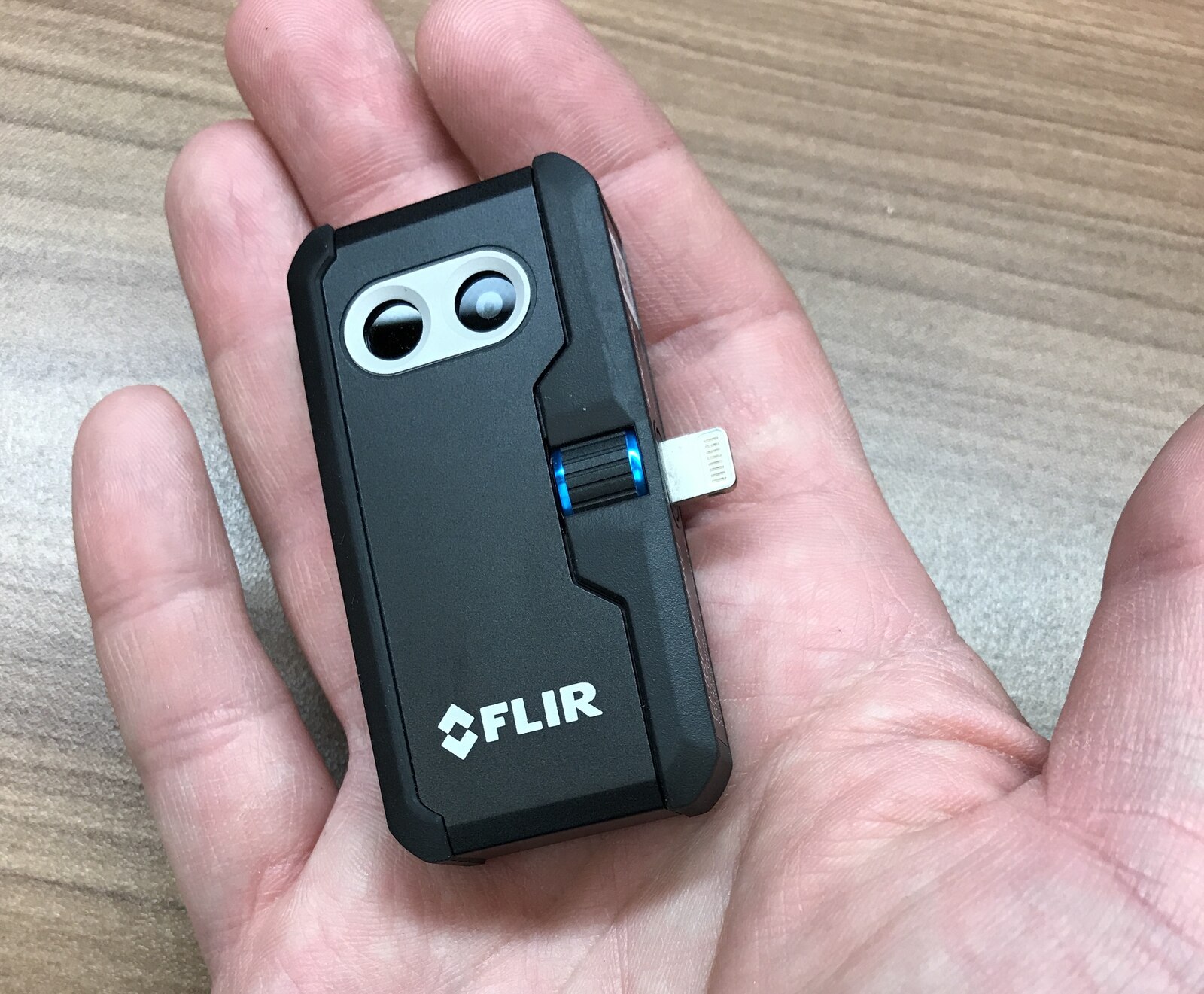
Check the exact version, not just the product family
The shape of a USB-C socket does not establish software support. Similar product names may cover Android, iOS or revised hardware versions. An adapter that fits mechanically does not establish that the attachment works with another operating system.
Start with the exact model and connector variant, then check its manufacturer's stated requirements. Keep manufacturer support distinct from an external author's successful test on one phone. Neither is a test on your own configuration.
Check connection and app behaviour separately
A phone needs the relevant USB host capability and permissions, as well as compatible software. In CNX's TS2 review, enabling the OTG setting on the reviewed OPPO phone resolved an initially blank image. That is a device-specific troubleshooting example, not a setting present on every Android phone.
Gough reports different recording and interface behaviour across tested Android devices. Live preview working is encouraging, but it does not prove reliable video, file export or later analysis.
- Exact attachment model, hardware revision and connector.
- Phone model, OS build, app version and camera firmware.
- USB host or OTG requirements and permissions.
- Physical clearance around the connector and phone case.
- Preview, still capture, video, export and reopening a file.
Test the workflow before committing to it
Where a return window or demonstration allows it, capture an image and a short video, disconnect and reconnect, then export both. Open the original image in the software you intend to use. A screenshot or a flattened JPEG may not preserve data for temperature analysis.
Case clearance matters in practice. An extension lead may improve positioning, but it should be checked with the attachment rather than assumed to work. Record failures as carefully as successful connections.
Keep compatibility dated
An OS update, app update or firmware change can alter the outcome. Useful compatibility records describe the actual configuration, test date and functions tested, with a separate status for untested functions.
Gough's P3 title names Android, iOS and Windows, but the article explicitly says iOS was not tested. That distinction is essential: a supported-platform claim must not become an invented independent test.
Sources & evidence
Based on historical, configuration-specific author tests. We have not tested any phone and attachment combination. These records cannot certify compatibility after later software or hardware changes.
- Gough: P3 cross-device and file-workflow observationsExternal author’s report
- CNX: TS2 Android setup and OTG observationExternal author’s report
- Terence Eden: USB-C Android thermal camera experienceExternal author’s report
This guide is based on published sources. We have not conducted the equipment or property tests described by other authors. Statements about compatibility and performance remain scoped to their recorded versions and conditions.
How we use evidence